Who We Serve
Choose your industry
How to Design Intuitive Navigation Menus
Strategies for designing navigation menus that make it easy for users to find what they’re looking for.
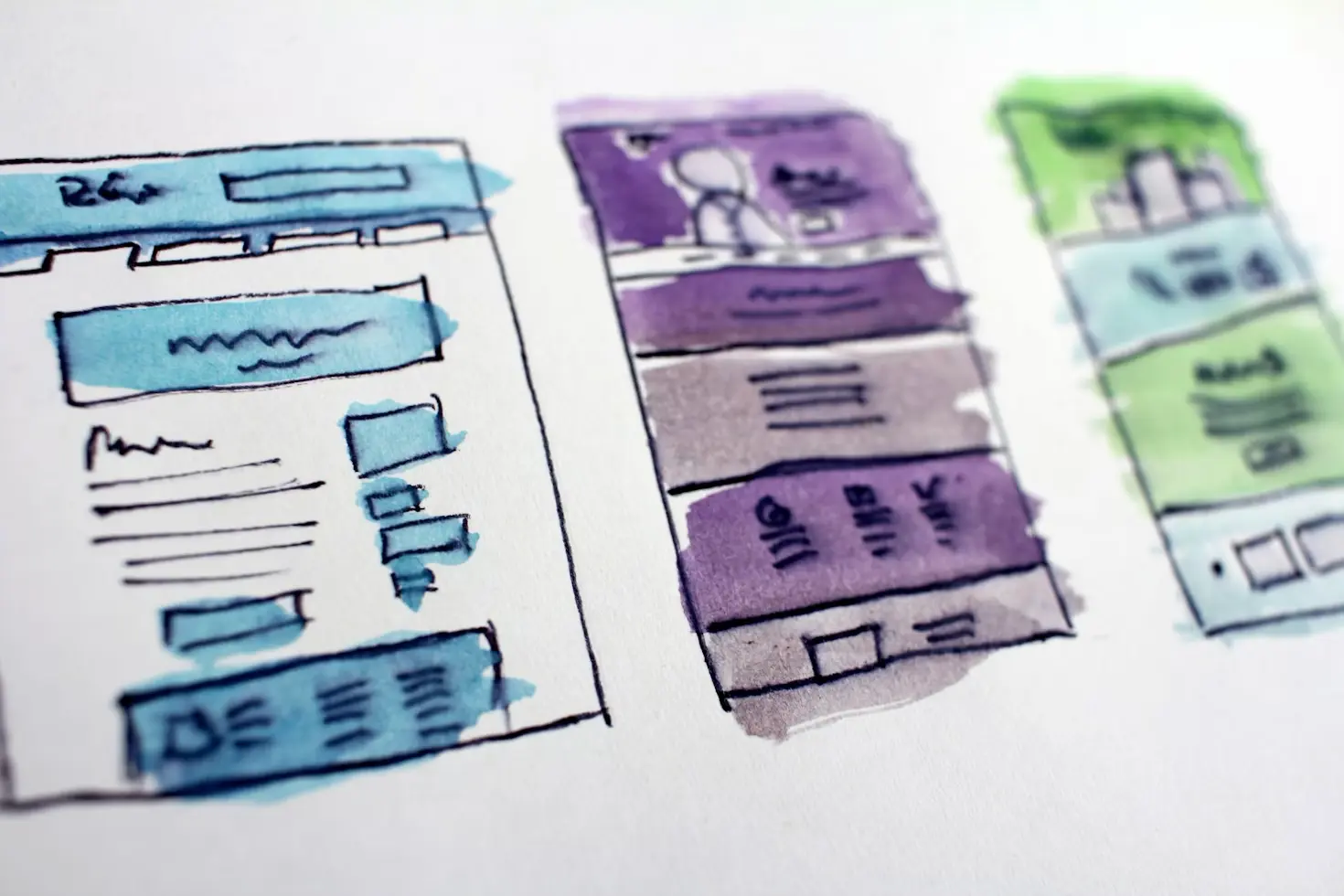
Intuitive navigation menus are crucial for creating a seamless user experience. Effective navigation helps users easily find information and navigate through a website, improving overall usability and engagement.
Understanding User Expectations
When designing navigation menus, consider user expectations and behaviors. Users typically expect to find key navigation items such as home, about, services, and contact information in familiar locations. Ensure that your menu structure aligns with these expectations to facilitate easy navigation.
Organizing Menu Items Logically
Organize menu items logically to help users quickly locate relevant content. Group related items together and use clear, descriptive labels to convey the purpose of each menu item. Avoid overwhelming users with too many options; instead, prioritize the most important content and provide sub-menus or dropdowns for additional items.
Designing for Mobile Navigation
Mobile navigation requires special consideration due to limited screen space. Implement responsive design principles to ensure that navigation menus adapt to different screen sizes. Consider using collapsible menus, hamburger icons, or bottom navigation bars to optimize the mobile navigation experience.
Enhancing Visual Clarity
Visual clarity is essential for effective navigation. Use contrasting colors and clear typography to make menu items stand out. Ensure that the menu is easy to read and interact with, and provide visual feedback such as hover effects to indicate clickable items.
Testing and Iteration
Regularly test your navigation menus with real users to gather feedback and identify areas for improvement. User testing can reveal whether the menu structure is intuitive and whether users can easily find the information they need. Use this feedback to refine and enhance the navigation experience.
Conclusion
Designing intuitive navigation menus involves understanding user expectations, organizing content logically, optimizing for mobile devices, and enhancing visual clarity. By focusing on these strategies and regularly testing with users, designers can create navigation menus that improve usability and facilitate a seamless user experience.
Everything you'll ever need to succeed online
Grid & Grove offers a full range of solutions designed to make your business stand out online.